
Introduction
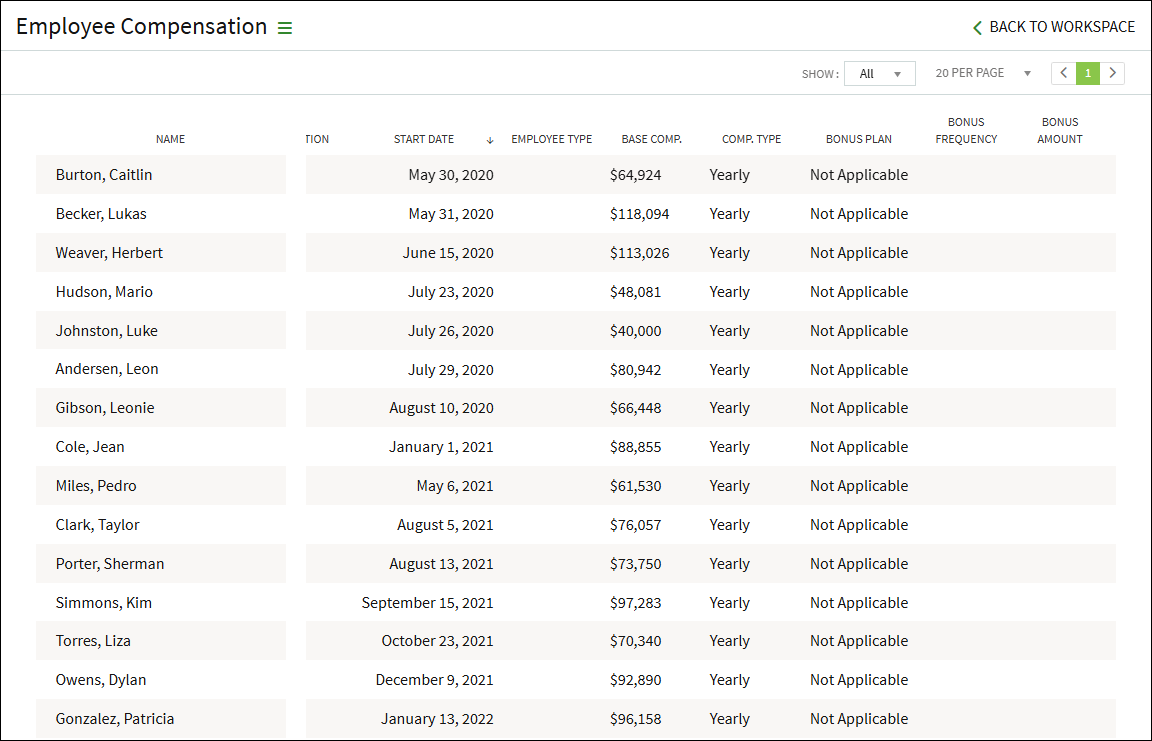
The Employee Compensation Report is a report than can be downloaded that includes the employee name, title, work email, department, manager, employee ID, location, start date, termination date, base compensation (this does not include bonuses), and compensation type (for example, yearly or hourly).
Accessing the Report
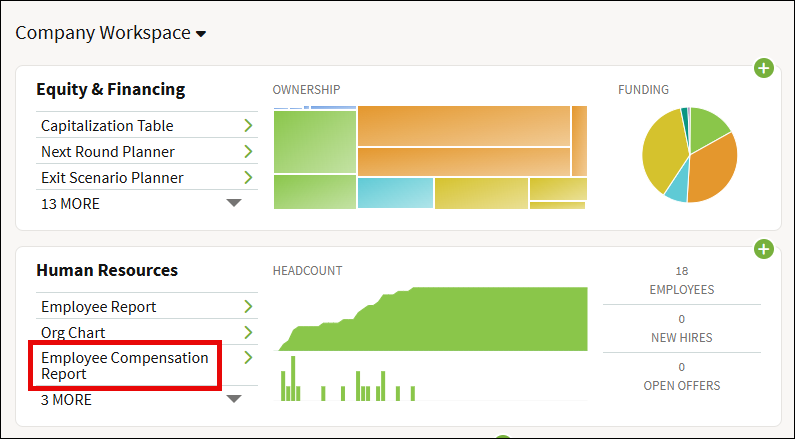
The Employee Compensation Report is found in the Human Resources section on the Company Workspace. If you do not see it listed, you may need to click the MORE link.
The report has additional columns that can be seen by scrolling to the right. You can sort the report by clicking on any of the column headers.
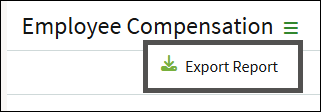
To download this report, click on the three-bar menu and select Export Report. This will download the report in an Excel spreadsheet format to your computer.
Screenshots are for illustrative purposes only.
Fidelity Private Shares LLC provides cap table management and other administrative services to private companies and their equity compensation plans.
Fidelity Private Shares LLC
© 2025 FMR LLC. All rights reserved.
1094558.2.0